Follow up questions
At the end of a Risenoow application you answer two to four follow up questions written for you alone. They are based on what you have already shared, so they give you a chance to add the detail that makes your application yours. When they are answered, you select Submit and your application goes to the hiring team.
Where: After you select Continue on the last written question
Who sees them: Every applicant
Time needed: A few minutes
How they are written
When you select Continue on the last written question, a message says your follow up questions are being prepared, with the note "This normally takes a few seconds." In that moment the follow up questions are written from what you have shared so far:
| Source | Why it matters | |
|---|---|---|
| Your written answers | An answer that was short or general can be opened up. | |
| Your voice interview | Something you said out loud can be explored further. | |
| Your CV | Experience on your CV can be connected to the role. |
The heading reads Complete your application with a little more context. Each card is labelled as a personalised follow up, with a counter such as "1 of 3".
The two kinds of follow up question
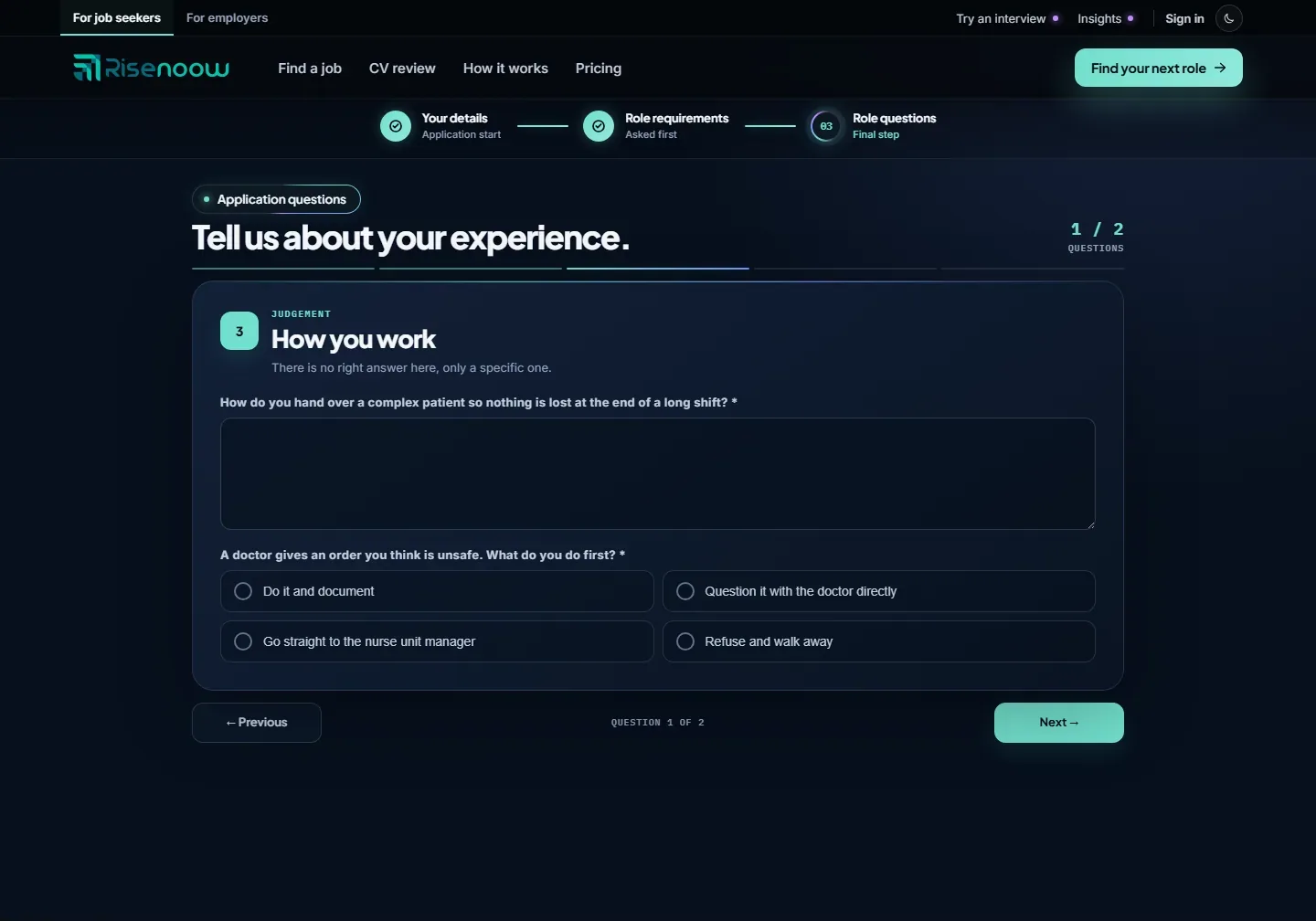
- Choice questions. Many are single choice, with a few answers written from your own material. The card says "Choose the answer closest to yours." Pick the one that fits best, even if it is the modest one.
- Written questions. The others ask for a short example in a few sentences. The card says "Based on what you have already shared." The hint in the box reads "Take your time, there are no wrong answers".
Answer and submit
- Answer the follow up question on screen.
- Select Next to see the following one. Previous goes back through the follow ups, then to your last written question.
- On the last follow up, select Submit.
- Wait while Submitting your application is shown. Keep the window open.
- You see Application received and a thank you message. See After you apply.
Every follow up question needs an answer. If one is empty, you see "Please answer this before continuing.", and if you select Submit with one unanswered, you are taken back to it.
Good to know
The hiring team often reads these answers first, because they are about you rather than about every applicant. A concrete example, with what you did and what changed, is the strongest answer.
If the follow ups cannot be prepared
Now and then the follow up questions cannot be prepared in time. You then see Ready to send and "Your responses are ready to submit". Nothing is lost. Select Submit to send your application as it is.
If submitting fails, a message explains why, such as a network error, and the Submit button comes back so you can try again. If the role closed while you were applying, the button reads This role has closed, you are told the role is no longer accepting applications, and you are taken to the job board.
Frequently asked questions
Why are my follow up questions different from another applicant's?
They are written from your own written answers, interview and CV, so each applicant gets questions about their own experience.
Do I have to answer the follow up questions on Risenoow?
Yes. Every follow up question needs an answer before you can submit. Many are quick single choice questions.
If I go back and change a written answer, do the follow ups change?
If you go back and change nothing, you return to the same follow ups with your answers kept. If you change an answer, a fresh set is prepared from what you now say.
How long does submitting take?
It can take a minute or two, because your application is processed as it is sent. Keep the window open until you see Application received.