Create a job seeker account
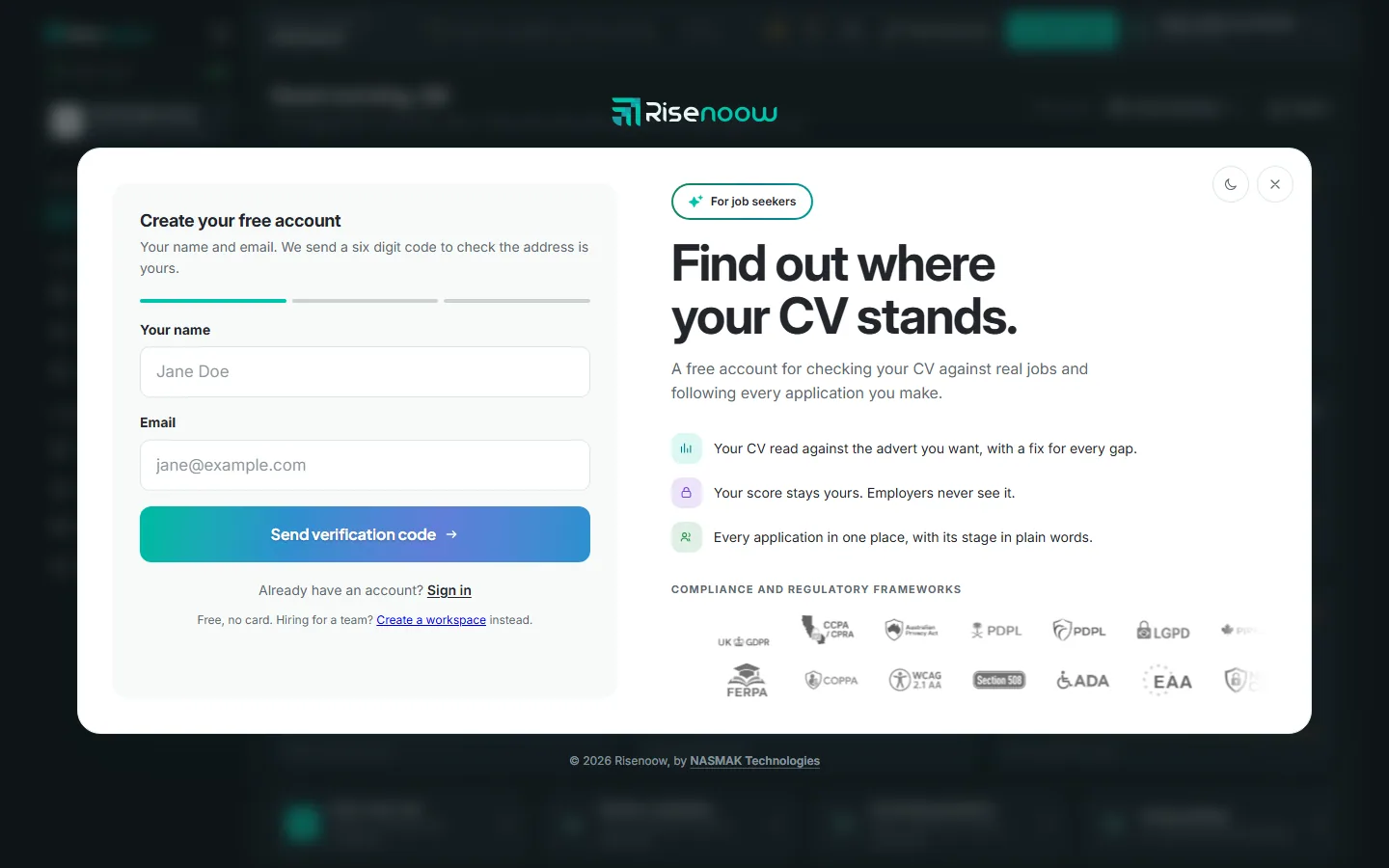
A free Risenoow job seeker account gives you the candidate portal: every application in one place, your CV checked against real jobs, saved roles and job alerts. You create it in three short steps, and no card is needed.
Where: The job seeker sign up page
Who can use it: Anyone looking for work
Time needed: About two minutes
Already applied for a job?
If you applied through Risenoow before, you may already have an account. Applying with a new email address creates one, and the confirmation email carries a link to choose a password. See If you already have an account.
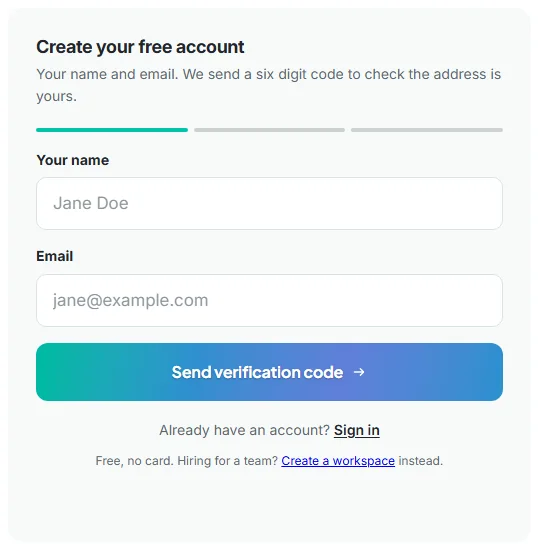
Step 1: Your name and email
- Open the job seeker sign up page.
- Type Your name and your Email.
- Complete the human check if one appears.
- Select Send verification code.
Step 2: Check your inbox
We email you a six digit code to prove the address is yours.
- Open the email from Risenoow.
- Type the six digits into the boxes under Verification code.
- Select Verify email.
A code lasts ten minutes and works once. If it does not arrive, check your spam folder, then select Send a new code. Typed the wrong address? Select Use a different email to start again.
Step 3: Choose a password
- Type a Password and type it again in Confirm password.
- Tick the box to agree to the Candidate Terms & Consent and Privacy Policy. You can open both from the links.
- Select Create my account.
Your password must be at least 8 characters and no more than 72. Once your account is created, you are signed in and taken to your portal dashboard. If you came from a "check my CV" link, you go straight to that check instead.
We also send you a welcome email.
If you already have an account
If the email is already in use, the page says so and offers two ways in:
- Sign in, if you know your password.
- Set a new password, if you applied for a job before and never chose one. This opens the password reset page.
Once you sign in, any applications you made with that email while signed out appear in your portal automatically.
If something goes wrong
| Message | What to do |
|---|---|
| Please enter your name and a valid email address. | Check both fields and try again. |
| A message about too many attempts | Wait an hour. There is a limit of five attempts an hour from one connection. |
| That code has expired. Request a new one. | Select Send a new code. |
| Passwords do not match. | Type the same password in both boxes. |
Frequently asked questions
Is a job seeker account free?
Yes. The page says "Free, no card." Paid plans add more CV reviews and templates. See pricing for job seekers.
I am hiring for a team. Is this the right sign up?
No. Job seeker accounts are for people looking for work. To hire, select Create a workspace at the bottom of the form, or go to the employer sign up page.
Do employers see my account when I sign up?
No. Creating an account shares nothing with any employer. An employer only sees what you send them when you apply for one of their roles.
I never got the code. What now?
Check your spam folder first. Then select Send a new code. A code lasts ten minutes, and only the newest code works.