Email activity
The Email activity page in Risenoow lists the emails your workspace sends, candidate reports first among them, with the delivery status of each one. If a report did not arrive, this is where you find out whether it was sent, is waiting to be tried again, or was given up on, and why.
Where: Email activity in the left menu, under Operations
Who can use it: Workspace admins and recruiters (recruiters see a narrower list)
Time needed: Under a minute
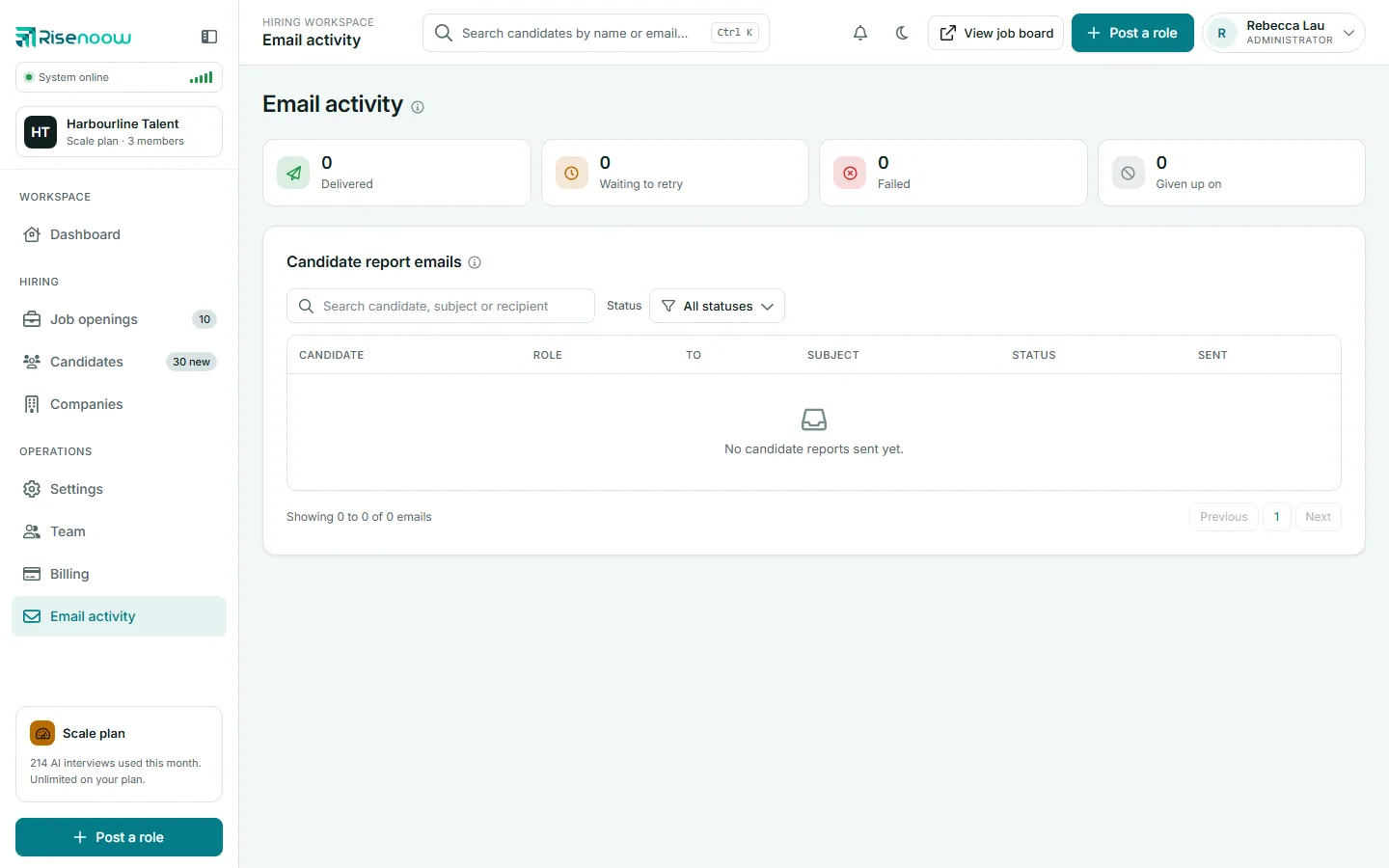
The four counters
| Counter | Meaning | |
|---|---|---|
| Delivered | Sent successfully. | |
| Waiting to retry | Not sent yet. Risenoow will try again automatically. | |
| Failed | Not sent, and not scheduled to be tried again. | |
| Given up on | Tried four times without success. It will not be tried again. |
The counters cover the latest 100 emails shown on the page. When an email has failed or been given up on in the last 30 days, a red number also appears beside Email activity in the left menu. A recruiter's number counts only emails about applicants to their own roles.
The Recent emails list
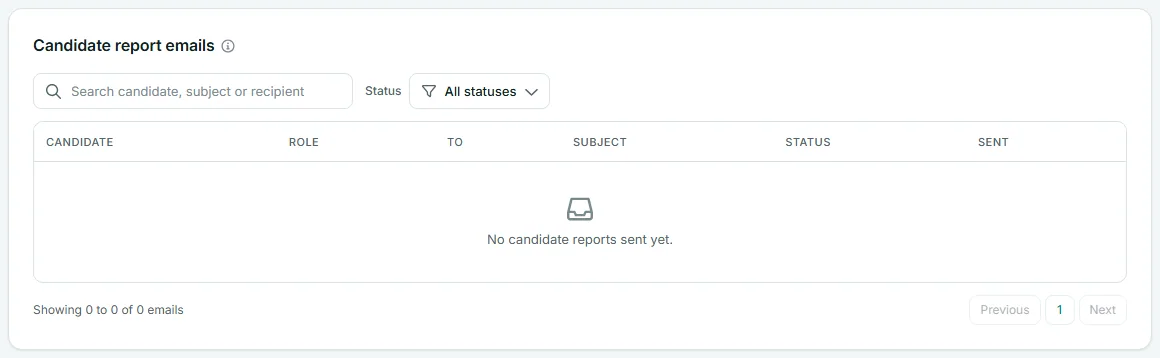
| Column | What it shows |
|---|---|
| Candidate | The applicant the email is about, or a dash for workspace emails. |
| Role | The role they applied for. |
| To | Who the email went to. |
| Subject | The email subject. |
| Status | Sent, Waiting to retry, Failed or Given up on, with the reason underneath when there is one. |
| Sent | When the email was first sent, in your timezone. |
The card is called Recent emails. The newest emails come first, 20 to a page. Besides candidate reports, an admin's list includes other emails sent from your workspace, such as messages to candidates and team invitations. When the list is empty it says "No emails sent yet."
Find an email
- Type in Search candidate, subject or recipient to filter the list.
- Use the Status filter to show one status, for example Failed.
- Select a column heading to sort by it.
How retries work
An email that does not go out is kept whole and tried again automatically:
- about 5 minutes after the first attempt,
- about 20 minutes after that,
- about an hour after that.
While it waits, the status reads Waiting to retry, with the reason and "trying again at" a time. After four attempts in all, it is marked Given up on. It stays in the list with the last reason, so you can see what was owed and to whom.
What to do about a failed report
- Open Email activity and set Status to Given up on or Failed.
- Read the reason under the status.
- Check the address in To for a typing mistake. It comes from the role's Hiring team email, the Default report email in Settings, or your admins' sign in addresses.
- Fix the address where it was set: on the role under Job openings, or in Settings.
- Read the candidate's report directly under Candidates. Every report is there whether or not the email arrived.
Good to know
The email is a convenience. The full assessment, interview and answers are always on the candidate's record, so a lost email never means a lost candidate.
Who receives candidate reports
Each report goes to the role's Hiring team email, set when you edit the role under Job openings. If a role has none, it goes to the Default report email set in Settings. If that is empty too, the report goes to every active admin in the workspace. Disabled admins are left out.
What recruiters see
Admins see every email from the workspace. Recruiters see only emails about applicants to their own roles. Emails not tied to one applicant, such as team invitations, are not shown to them.
Frequently asked questions
Why does Email activity show nothing?
Nothing has been sent from your workspace yet, or, for a recruiter, nothing about applicants to your own roles. The list then says "No emails sent yet."
Can I resend a report email?
The page has no resend button. Risenoow retries failed emails automatically. You can always read the report on the candidate's record under Candidates.
How far back does the list go?
It shows the latest 100 emails from your workspace.
What is the difference between Failed and Given up on?
Given up on means Risenoow tried four times and stopped. Failed means the email was not sent and no further attempt is scheduled. In both cases, read the reason under the status and check the address.