Workspace
Your Risenoow workspace is the shared home of your hiring team: the companies you hire for, the people who can sign in, the settings that shape every role, and the plan you are on. These guides cover every screen under Operations in the left menu, plus Companies and My profile.
Where: Companies, Settings, Team, Billing and Email activity in the left menu, and My profile in the account menu
Who can use it: Workspace admins see every page. Recruiters see Companies, Email activity and My profile
Time needed: A few minutes per page
Companies
-
Companies
The organisations you hire for, and who on the team can see each one.
-
Add or edit a company
Name, logo, tagline, introduction, industry, headquarters and website.
Team and access
-
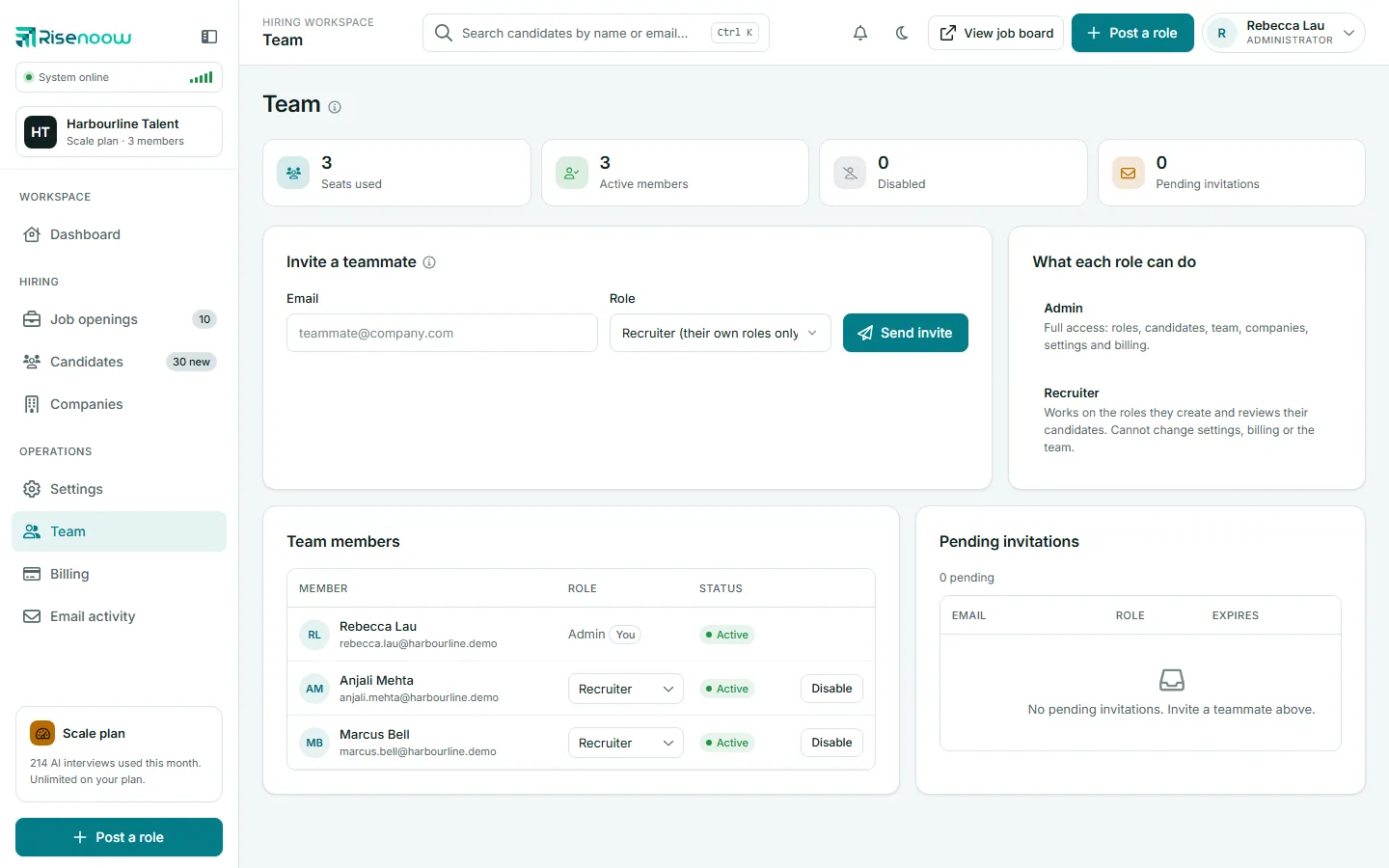
Team
Seats, members, roles, disabling access and pending invitations.
-
Invite a colleague
Send an invitation, what your colleague sees, and what to do if it fails.
-
Permissions
What an admin and a recruiter can see and do.
Settings
-
Settings overview
Every section of the Settings page, workspace name, timezone and support access.
-
Voice interviewer
The voice candidates hear and how the AI interviewer talks.
-
Tone and style defaults
How the AI writes job descriptions and screening questions for your workspace.
-
Recording retention
How long technical interview videos are kept before they are deleted.
Billing
-
Billing and plan
Your plan, what you have used, and your invoices.
-
Plan usage
AI interviews, team seats and open roles against your allowance.
-
Change or cancel a plan
Move up, move down, update your card or stop paying.
Email, profile and closing down
-
Email activity
Candidate report emails and their delivery status.
-
My profile
Your name, photo, sign in email, password and personal timezone.
-
Delete a workspace
Close the workspace for good, and what is removed.