Keyboard shortcuts
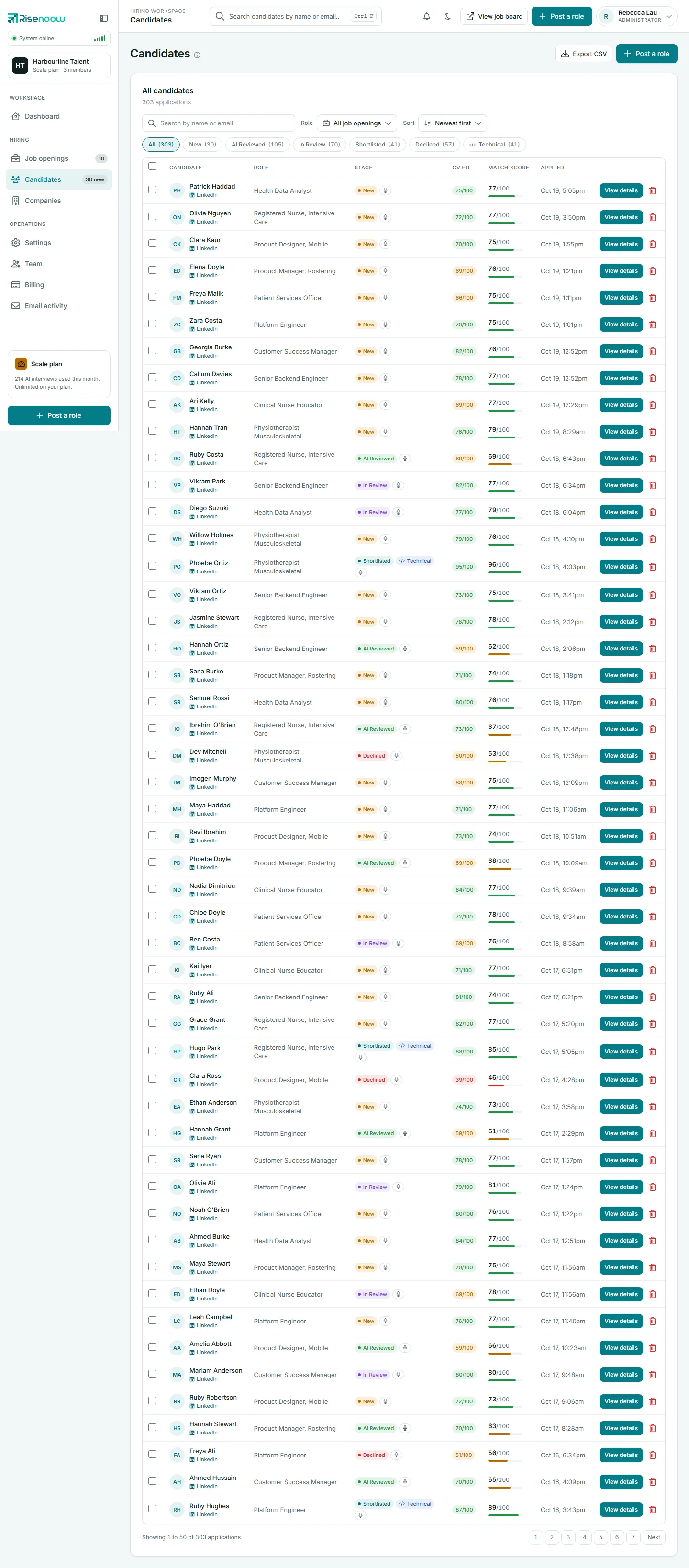
Risenoow can be used from the keyboard throughout. The one true shortcut is Ctrl+K, which jumps to the search box at the top of the page. Beyond that, the arrow keys, Enter, Space and Esc work the way you would expect in tabs, menus, dialogs and answer choices.
Where: Employer workspace, candidate portal, application form and interview pages
Who can use it: Everyone
Time needed: A minute to learn
On a Mac, use Cmd wherever this page says Ctrl.
Search
| Keys | What it does | Where |
|---|---|---|
| Ctrl+K | Puts the cursor in the search box at the top of the page. | Employer workspace and candidate portal |
| Enter | Runs the search. In the workspace, it opens Candidates filtered by name or email. In the portal, it searches open roles on the job board. | The top search box |
Tabs and menus
| Keys | What it does | Where |
|---|---|---|
| Left Right | Moves to the previous or next tab and opens it. | Any row of tabs: the candidate record tabs, the Published, Draft and Disabled tabs on Job openings, the All, Active, Interviews and Closed tabs in the portal |
| Home End | Jumps to the first or last tab. | The Resume review tabs in the portal |
| Esc | Closes the open menu, pop up or side menu and returns you to the button that opened it. | Everywhere |
Dialogs and confirmations
| Keys | What it does |
|---|---|
| Tab and Shift+Tab | Move between the buttons inside an open dialog. Focus stays in the dialog until it closes. |
| Esc | Closes the dialog without doing anything, for example when asked to confirm Decline or Delete. |
Reorder questions without a mouse
On a role's Questions page, every question has a drag handle and two arrow buttons. The arrow buttons do the same job as dragging.
- Press Tab until the up or down arrow on the question is focused. Screen readers read out the question title with "earlier" or "later".
- Press Enter or Space to move the question one place.
- Press it again to keep moving. The focus stays on the same button, and the new order saves on its own.
When you add a question, the answer type choices also respond to Enter and Space.
Forms and pickers
| Keys | What it does | Where |
|---|---|---|
| Up Down | Moves through the suggestions. | The city box when you enter role facts |
| Enter | Picks the highlighted suggestion. | The city box |
| Esc | Closes the suggestions. | The city box |
| Backspace Left Right | Moves between the boxes of a sign up code. | Verification code screens |
For candidates applying
| Keys | What it does | Where |
|---|---|---|
| Tab | Enters and leaves a group of answer choices in one step. | Single choice questions |
| Left Right Up Down | Moves the choice to the previous or next option. | Single choice questions |
| Enter or Space | Selects the focused option. | Answer choices |
| Esc | Closes an open filter group or the menu. | Public job board |
| Esc | Closes the transcript panel on a small screen. | Voice and technical interview pages |
The product tour
Open your name at the top right and choose Take the tour. While the tour is open, Right goes to the next step, Left goes back and Esc ends it.
No single key shortcuts
Risenoow has no shortcuts that act on one letter, such as pressing S to shortlist. Every decision is a button you press on purpose, because most of them email the candidate.
Frequently asked questions
How do I search candidates quickly in Risenoow?
Press Ctrl+K (or Cmd+K on a Mac), type a name or email address and press Enter.
Can I reorder questions without dragging?
Yes. Tab to the up or down arrow on the question and press Enter or Space. The order saves automatically.
Is there a shortcut to shortlist or decline a candidate?
No. Use the Shortlist and Decline buttons on the candidate record. Each asks you to confirm because the candidate is emailed.
Can I complete an application using only the keyboard?
Yes. Every field, choice and button can be reached with Tab, and single choice answers move with the arrow keys.