Share a role
Every Risenoow role has an application link that takes a candidate straight into the application, and every published role also has a public listing on the Risenoow job board. Share the link wherever you advertise, and point people to the board to browse all your open roles.
Where: The role card on Job openings, the Preview and publish tab, and View job board at the top of every page
Who can use it: Administrators and recruiters
Time needed: Under a minute
The application link
The application link is the role's own address. It ends in ?form= followed by the role's link name, for example ?form=icu-registered-nurse. Opening it takes a candidate to Start your application, where they enter their name, email and CV.
Copy it from the role card
- Open Job openings in the left menu.
- Find the role. Its Application link is shown near the bottom of the card.
- Select the copy button beside it. A message confirms Application link copied.
- Paste the link into your advert, email or social post.
Copy it from Preview and publish
On a published role, the Preview and publish tab has a Share this role card: Send candidates this apply link, with the full address and a Copy button.

Drafts have working links too
A switched on draft's link works, so your team can try the application before it goes public. The draft is not listed anywhere until you publish it. Only share a draft's link with people you mean to test it.
The public listing
A published role has its own job page on the board, where candidates read the role and apply. Select View listing on the role card, or View the listing on the Preview and publish tab, to open it in a new tab. For a switched on draft, the card shows View form instead, which opens the application.
The public job board
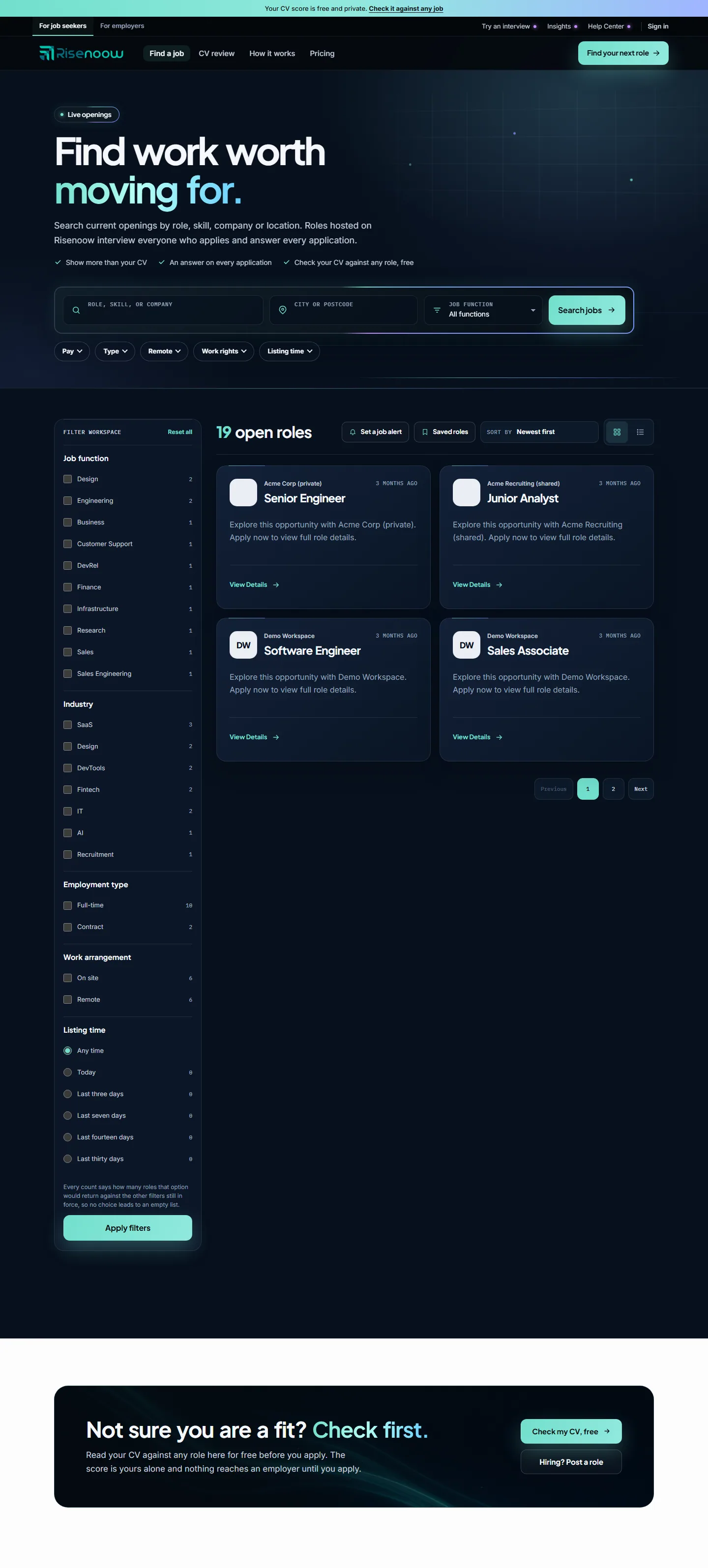
Select View job board at the top of any workspace page to open the board in a new tab. Anyone can open the Risenoow job board without signing in.
A role appears on the board when it is:
- Published.
- Switched on (not disabled).
- Not past its closing date.
Published roles also reach candidates through job alerts that match them.
Changing the link
You can change the link name on the Job description tab, under Application link and candidate messages. Links you have already shared then stop working, so copy the new one and send it again. See Description tab.
Frequently asked questions
Do I need to publish a role before sharing the link?
The link works for a switched on draft, but the role is only on the job board, in job alerts and given a Share this role card once it is published. Publish before you advertise.
Why is my role not on the job board?
Check that it is published, not disabled, and that its closing date has not passed.
Can I put the link on my own careers page?
Yes. The application link works anywhere: your website, an email, a job site or a social post.
What happens if someone opens the link after I disable the role?
The role no longer takes applications. Switch it back on to accept them again.