Follow ups tab
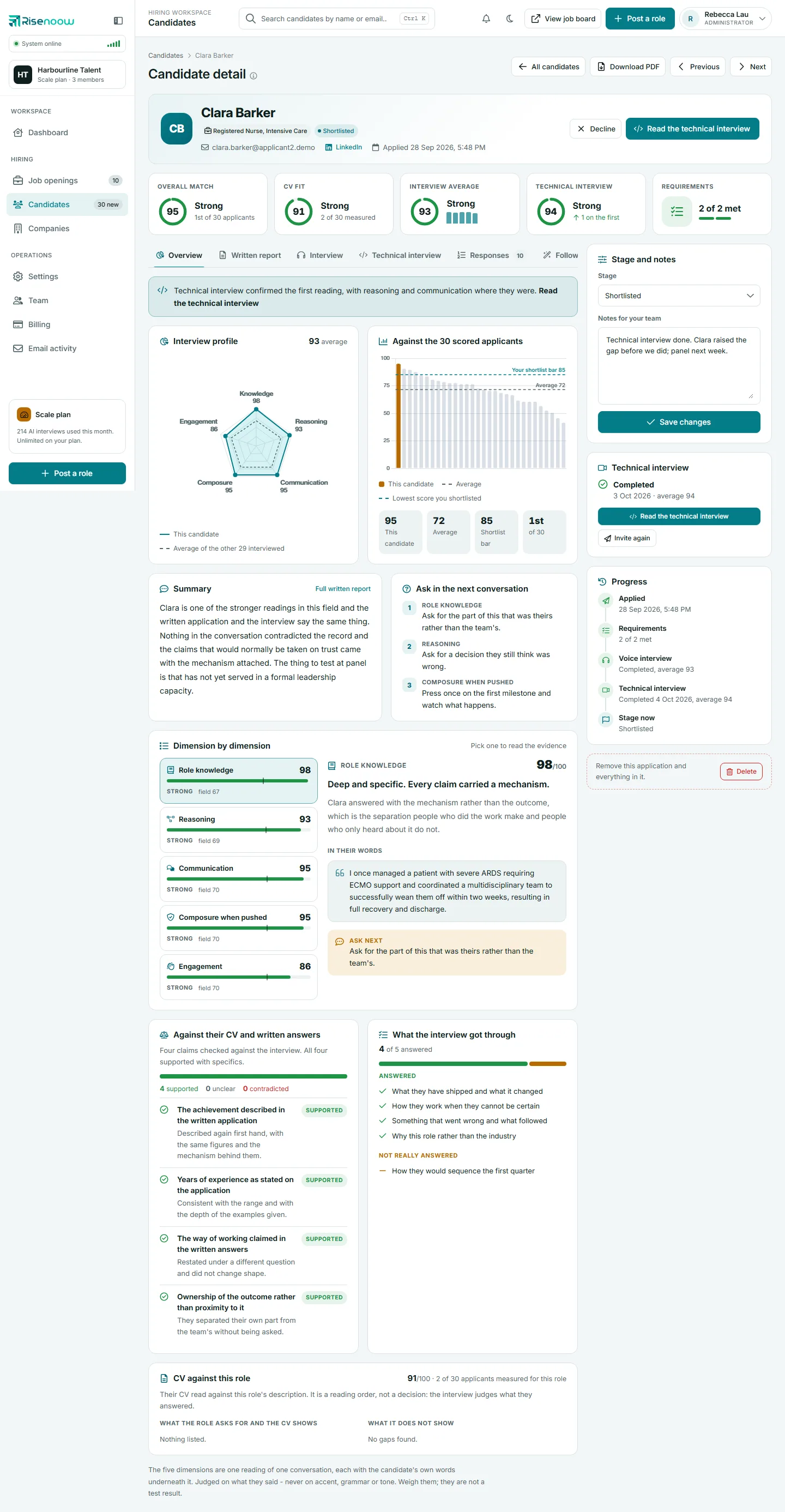
The Follow-ups tab on a Risenoow candidate record shows the personalised follow up questions the AI wrote for this candidate after reading their written answers, and what the candidate replied. Each candidate gets their own questions, aimed at the gaps and vague answers in what they wrote.
Where: Candidates in the left menu, open a candidate, then the Follow-ups tab
Who can use it: Admins, and recruiters on the roles they can see
Time needed: One or two minutes
What follow up questions are
When a candidate finishes the role's written questions, the AI reads their answers, and their voice interview transcript and cover letter where there are any. It then writes two to four new questions just for them before they submit. The questions target:
- answers that were vague or general
- claims that came without detail
- parts of the role their answers did not reach
At least half of the follow ups offer three to five options to choose from, and no more than two ask for a written answer. The candidate's side of this step is described in Follow up questions.
What the tab shows
When there are follow ups, the tab name carries a count, and the tab opens with the line Personalised questions generated from this candidate's questionnaire answers. Below it, each question is a numbered card:
- the number, with a small wand icon
- the question the AI asked
- the candidate's answer underneath, with their line breaks kept
An empty answer shows as a single dash.
When there are none, the tab shows a Personalised Follow-Ups card that says No personalised follow-up questions were generated for this candidate.
How to use the follow ups
- Open Candidates in the left menu and select a candidate's name.
- Select the Follow-ups tab.
- Read each question next to the answer it was following up, on the Responses tab.
- Check whether the reply added the detail that was missing.
- Note anything still open in Notes for your team, or ask it at interview.
Good to know
Follow ups are a fair test because they are specific to the candidate. A strong reply adds names, numbers or the candidate's own part in something. A weak one repeats the original answer in different words.
How follow ups feed the report
The answers to the follow ups are one of the sources the AI uses for the written report, beside the written answers, the voice interview and the CV. A follow up left unanswered counts as a gap, never as a strength. See Written report tab.
Why a candidate may have no follow ups
A candidate can have no follow ups when:
- the AI could not produce them at the time, so the candidate went straight to submitting
- the application was made before follow ups existed
A missing set of follow ups does not count against the candidate.
Frequently asked questions
Do all candidates for a role get the same follow up questions?
No. Each set is written from that candidate's own answers, so two candidates for the same role usually see different questions.
Can I write or edit the follow up questions?
No. They are written by the AI for each candidate. The questions you control are the role's screening questions. See Screening questions.
Are follow ups the same as the extra questions in a technical interview?
No. The technical interview can add up to three questions drawn from what the first interview left open. Those are chosen when you send the invitation. See Invite to a technical interview.
How many follow up questions are asked?
Between two and four.