Images on questions
A Risenoow voice interview or technical interview question can carry one image, such as a diagram, a screenshot, a schema or a wireframe, for the candidate to look at while the question is asked. The image appears at the top right of the candidate's screen during that question and disappears when the interviewer moves on.
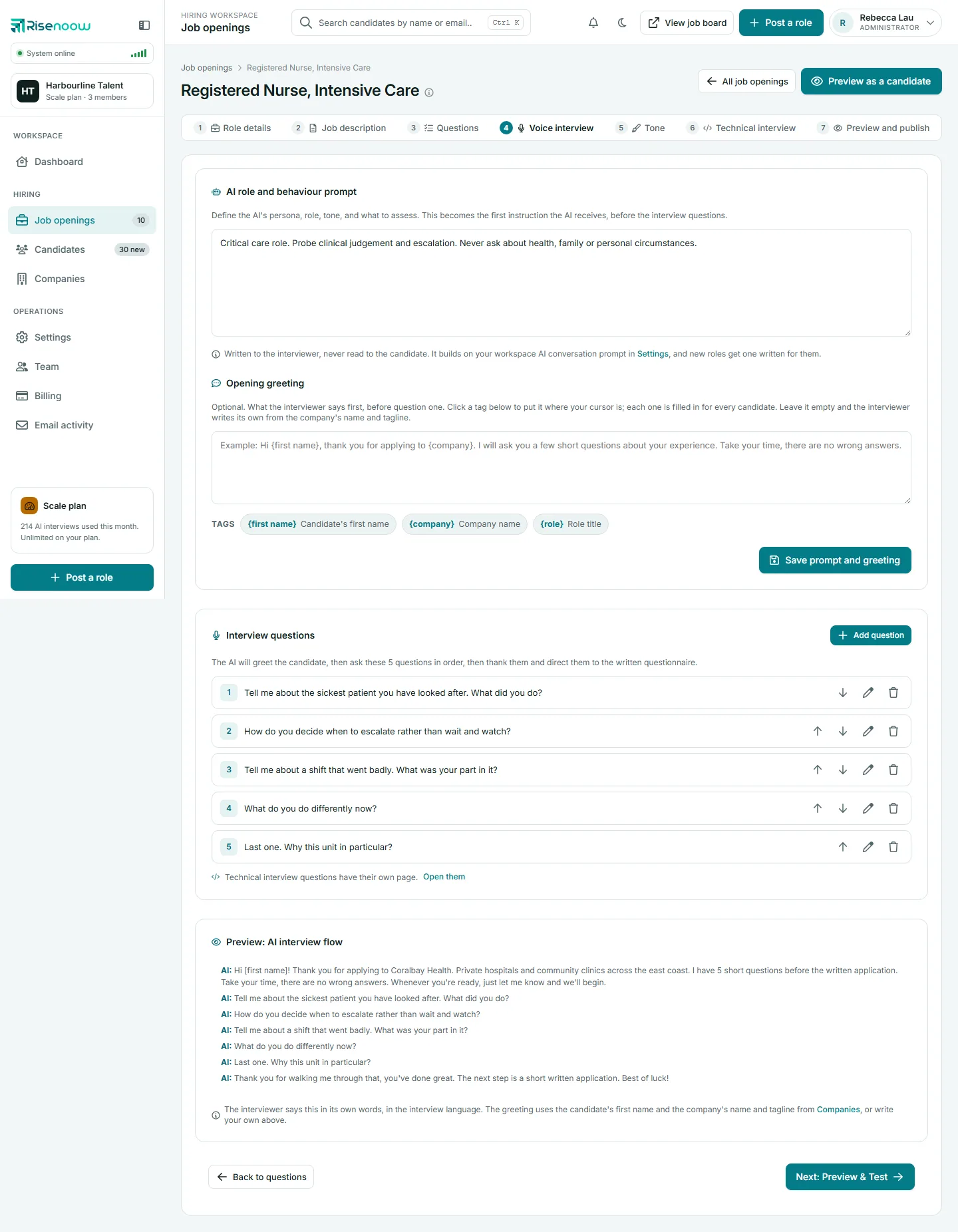
Where: A role's Voice interview or Technical interview tab, in the add or edit question window
Who can use it: Admins and recruiters (recruiters on their own roles)
Time needed: Under a minute
Which questions can have an image
| Question | Image |
|---|---|
| Voice interview questions | Yes, one per question |
| Technical interview questions | Yes, one per question |
| Written screening questions | No |
File rules
- PNG or JPG only. Other formats, including WebP and SVG, are refused with That file is not a PNG or a JPG. Use one of those two.
- Up to 2 MB. A larger file is refused with a message naming the limit.
- One image per question.
Add an image to a new question
- Open the role's Voice interview or Technical interview tab.
- Select Add question.
- Type the Question text.
- Under Image, marked Optional, choose your file.
- Select Add question.
On the Technical interview tab you can add several questions at once, one per line, but an image can only be added with a single question. With more than one line, the page asks you to Upload an image when adding one question at a time.
Say so in the question
The interviewer asks your question text. If you want the candidate to look at it, say so in the question, for example "Look at the diagram on your screen. Where would this design fail first under load?"
Replace or remove an image
- Select the pencil on the question. The edit window shows the current image, if there is one.
- To replace it, choose a new file. Choosing a file replaces whatever is there.
- To remove it, tick Remove image.
- Select Save changes.
What happens to images later
- Deleting a question deletes its image.
- Deleting a role deletes the images on its voice and technical questions.
- Duplicating a role gives the copy its own copies of the voice and technical question images, so deleting one role never takes the other role's images.
- Writing a fresh set of voice questions with AI replaces the voice questions, and their images go with them. See Regenerate with AI.
What the candidate sees
While the question is asked, the image sits at the top right of the interview screen. When the interviewer moves to the next question, it goes.
Frequently asked questions
Why was my image refused?
It was not a PNG or a JPG, or it was larger than 2 MB. Save it as a PNG or JPG under 2 MB and try again.
Can I put an image on a written screening question?
No. Images are for questions asked live in the voice and technical interviews.
Can one question show two images?
No. Combine them into one image first.
Does the AI interviewer read what is in the image?
The interviewer asks your question text. Write the question so it tells the candidate what to look at.